

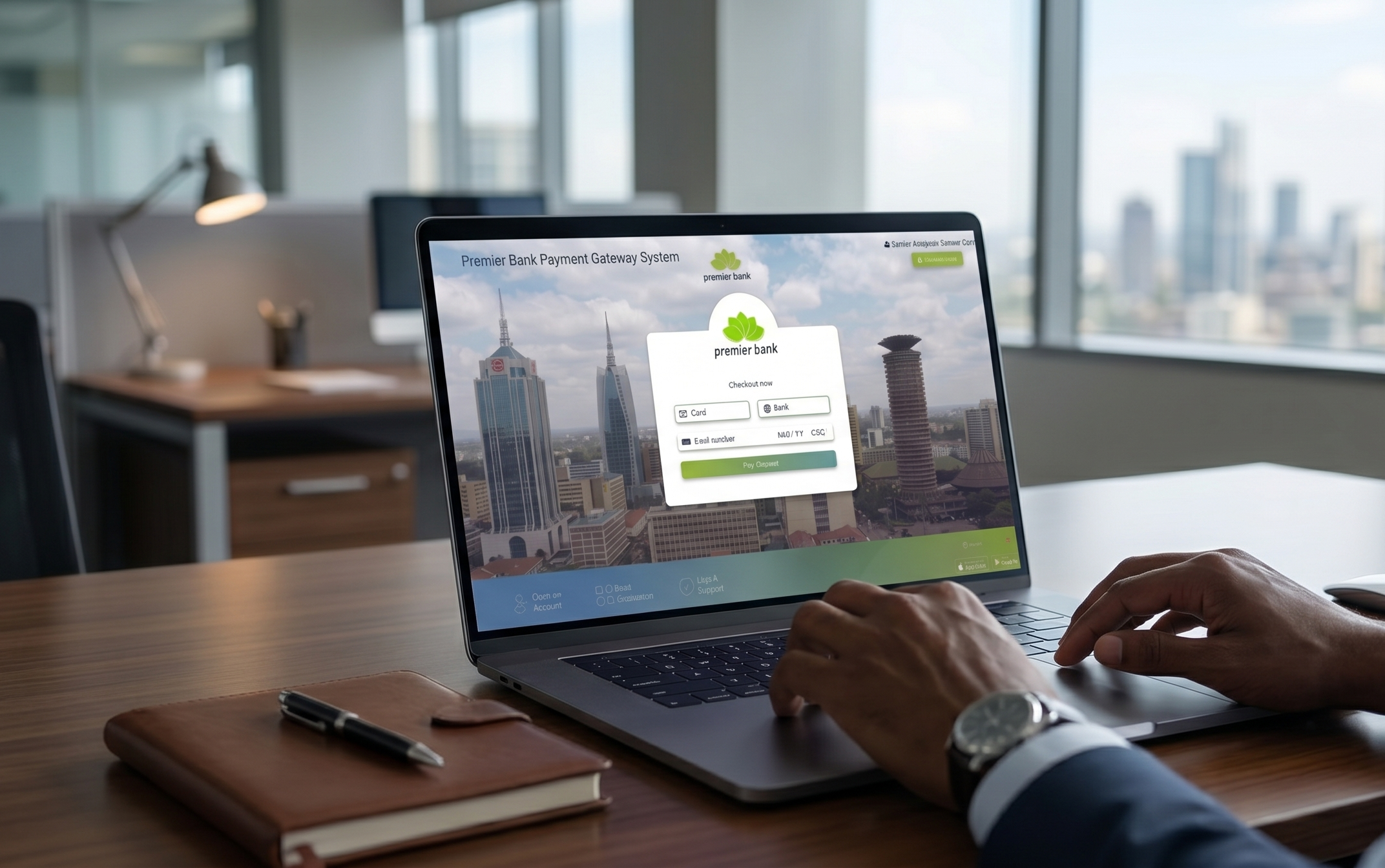
Drive Secure, Seamless Online Payments
Everything You Need To Scale
All Payment Types
Easy Refunds
Real-Time Tracking
Recurring Payments
ONE INTEGRATION, ENDLESS POSSIBILITIES
The Premier Bank Payment Gateway gives you all the tools you need to receive and manage payments from any channel – whether it’s cards, google or apple pay.
Accept Visa and Mastercard payments, including local and international credit, debit, and prepaid cards.
Go beyond traditional cards with support for Apple Pay and Google Pay for faster customer experience.
Choose from quick hosted checkouts to fully customisable Direct API integrations (PCI DSS required for Direct API)
Perfect for social commerce. Generate secure payment links and share them via SMS or email to get paid without a website.
Combine the gateway with Premier Bank’s POS solutions to accept payments online and in-store with consolidated reporting.
Industries We Serve
Online Stores & E-commerce
Service Providers (Consultants, Freelances)
Schools & Educational Institutions
Travel & Hospitality Businesses
Social Media Sellers
Payment Services Providers (PSPs) and Aggregators
How it Works
Apply
Review and Approval
Go Live
Integration and Configuration
Settlement
INTEGRATION OPTIONS
Choose the path that’s right for you
A Quick, Simple & Secure, ready-made payment page. The merchant redirects customers here, with minimal customisation.
A secure integration method where the merchant can customize the look and feel of the payment form while still relying on the gateway’s secure session handling.
Trusted Security
Your customers' data is safe with us
PCI DSS Compliant
SSL/TLS Encryption
Secure Authentication
Advanced Fraud Prevention Controls
Ready To Grow Your Business? Submit Your Details Below.
Frequently Asked Questions (FAQs)
1. What is the Premier Bank Payment Gateway?
Premier Bank Payment Gateway is a secure online payment acceptance solution that enables merchants to accept card payments through their websites, mobile applications, or other digital channels. The platform facilitates real-time authorisation, processing, and settlement of online transactions.
2. Who is the Target Market?
The Premier Bank Payment Gateway is designed for:
• Businesses and merchants selling goods and services online through websites or mobile applications.
• Payment Service Providers (PSPs).
• Aggregators and Fintechs onboarding merchants on behalf of the Bank.
3. How Does the Payment Gateway Work?
The payment gateway enables customers to make purchases online using their payment cards.
4. Which Payment Methods Are Supported?
The Premier Bank Payment Gateway supports:
• Visa Cards (Prepaid, credit & debit)
• Mastercard Card (Prepaid, credit & debit)
• Apple Pay
• Google Pay
5. Is My Data Secure?
Yes. The Premier Bank Payment Gateway adheres to industry security standards, including:
• PCI DSS Compliance
• SSL/TLS Encryption
• Secure Authentication Mechanisms• Fraud Monitoring Controls
6. What Are Transaction Fees?
Transaction fees vary depending on the merchant agreement and may include:
• Per-transaction fees
• Monthly service fees (where applicable)
• Chargeback processing fees
7. Does Premier Bank Payment Gateway Accept International Payments?
Yes. The payment gateway supports:
• Cross-border transactions
• Multi-currency processing
• International card acceptance
8. How Do I Integrate the Payment Gateway with My Website?
Integration options include:
Hosted Checkout
• Quick and simple integration
• No PCI DSS certification required for the merchant
Hosted Session
• Seamless customer experience
• No PCI DSS certification required for the merchant
Direct API Integration
• Full customization and control
• Merchant must be PCI DSS compliant
9. How Do I Test My Integration?
A dedicated test environment (UAT) and technical integration documentation are provided before production deployment.
10. How Long Does the Onboarding Process Take?
Upon submission of complete KYC documentation:
• Merchant setup in the UAT (Testing) environment can be completed within the same day.
• Once integration and testing are successfully completed, the merchant profile is created in the Production environment.
Actual timelines may vary depending on:
• Completeness of KYC documentation
• Compliance reviews
11. Merchant Onboarding Process
The onboarding process consists of the following stages:
Step 1: Application Submission
Merchant submits:
• Merchant Application Form
• Company Registration Documents
• KYC Documentation
• Bank Account Details
• Website/Mobile Application Information
Step 2: Compliance & Due Diligence Review
The Bank conducts:
• KYC Verification
• Business Validation• Risk Assessment
• Sanctions Screening
Step 3: Merchant Approval
Upon successful review:
• Merchant profile is approved.
• Commercial terms are agreed upon.
Step 4: UAT Environment Setup
• Merchant credentials are issued.
• Technical documentation is shared.
• Integration testing begins.
Step 5: Testing & Certification
Merchant performs:
• Transaction Testing
• Refund Testing
• Settlement Validation
• User Acceptance Testing (UAT)
Step 6: Production Setup
• Production credentials are issued.
• Merchant profile is activated.
Step 7: Go-Live
Merchants begin accepting live customer payments.
12. How Are Transactions Settled?
Approved transactions are settled according to the agreed settlement cycle:
• Local Transactions: T+1
• Cross-Border Transactions: T+3
13. Can I Process Refunds Through the Payment Gateway?
Yes. Merchants can process:
• Full Refunds
• Partial Refunds
Refunds may be initiated through:
• Merchant Portal
• API Integration
14. How Can I View Transaction Reports?
Merchants can access:
• Transaction Reports
• Settlement Reports
• Reconciliation Reports
• Refund Reports
Reports are available through the Merchant Portal provided during onboarding.
15. Does the Payment Gateway Support Recurring Payments?
Yes. Recurring payments are supported, subject to:
• Merchant configuration
• Card scheme requirements
• Regulatory compliance obligations
16. What Currencies Are Supported?
Currently supported currencies include:
• Kenyan Shilling (KES)
• United States Dollar (USD)
17. How Are Chargebacks Handled?
In the event of a disputed transaction:
1. The issuing bank raises a chargeback.
2. The card scheme forwards the chargeback to the acquiring bank.
3. Premier Bank notifies the merchant.
4. The merchant submits supporting evidence.
5. Evidence is reviewed by the card scheme and issuing bank.
6. The dispute is either resolved in favor of the merchant or cardholder.
7. Funds are adjusted accordingly.
18. Who Should I Contact for Support?
Technical and operational support is available through:
• Email Support – cardbusiness@premierbank.ke
• Telephone Support – 0709005500
• Branch support